Installation
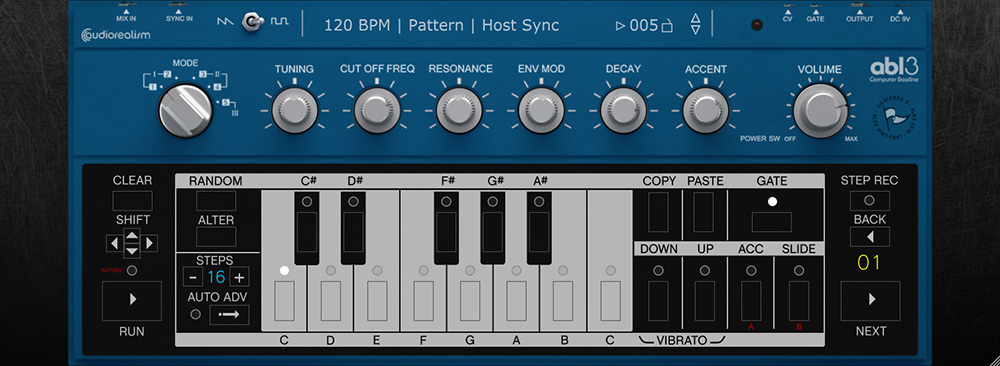
Copy the .abl3skin file and the folder found in the zip-file to the ABL installation folder.
On Windows the ABL3 installation folder is: c:\Users\Documents\AudioRealism\ABL3
On MacOs the default library path is: /Library/Application Support/AudioRealism/ABL3/
Run ABL3 and choose the "select skin" from the application menu.