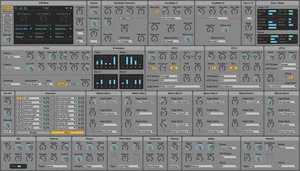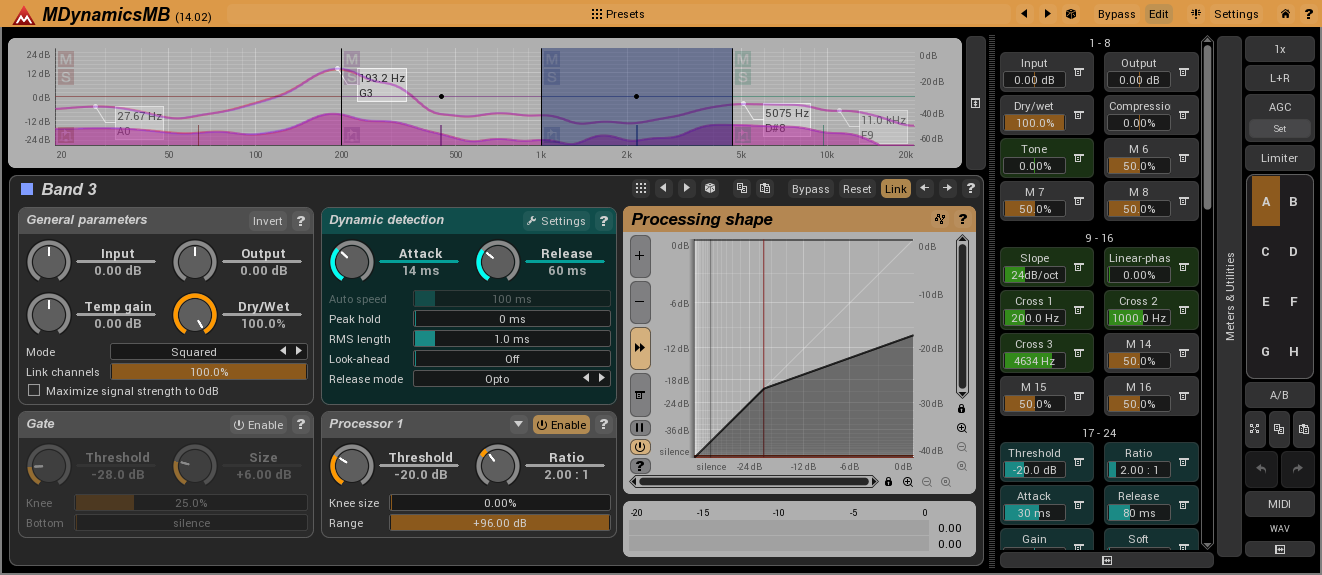
Installation
- Download the attached .zip file and extract the contents to your Desktop.
- In Explorer / Finder, navigate to the folder where the other MeldaProduction .mstyle files are; on Windows 7, here, the folder is: C:\ProgramData\MeldaProduction\MTexturedStyles.
- Put the .mstyle files in that folder.
- Open any MeldaProduction plug-in, click [Settings] then [Style] and select one of the styles.
- Optionally (these look good here), change the size to 90% or disable "Upper-case" or both.
- For the style colour palettes, click [Settings, then [Style] and select one of the new styles; in the Style Configuration window / Color Settings panel, click [Presets]. Select "Root" then [Import] then [Desktop] and select Circ_Sel, click [OK], then [Add] then [Close]; do these steps for each of the other styles. It is the same .presets file for each style.
- For the Analyzer Graph presets, click [Settings] in any Analyser (or right-click in any Multiband Band Editor, then click [Settings]), select "Root" and Add a folder, give the new folder a name, click [Import] then [Desktop] and select Analyzer_graph.mpresets, click [OK], then [Add] then [x Close].